Last updated: March 14, 2026
Quick Answer
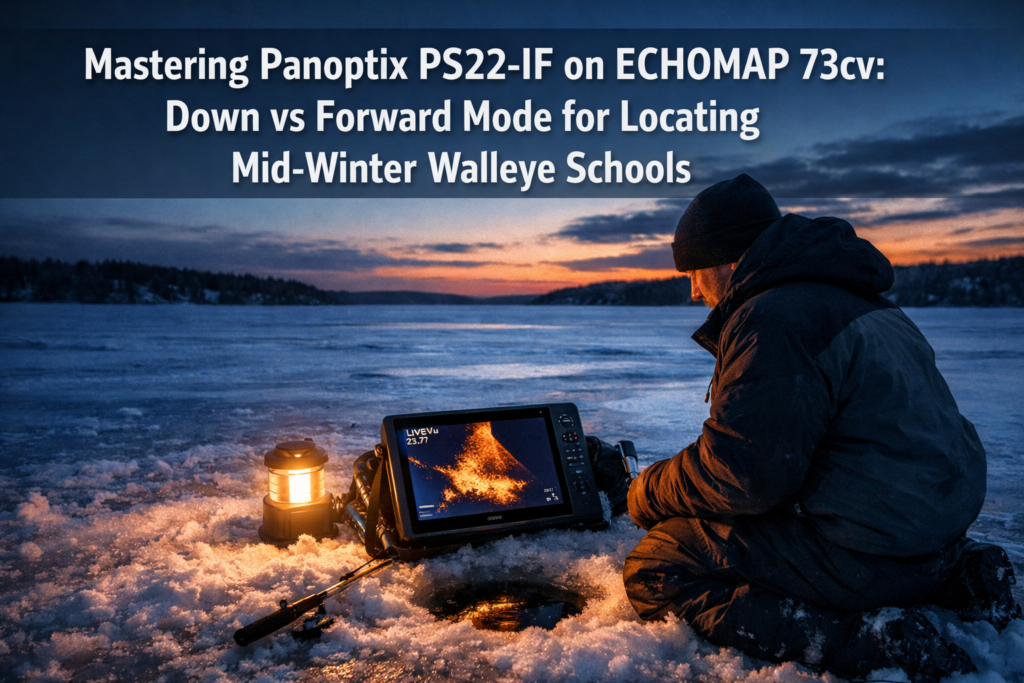
The Garmin Panoptix PS22-IF paired with the ECHOMAP 73cv gives you two live sonar modes: LiveVü Forward for scanning up to 100 feet ahead to locate roaming walleye schools, and LiveVü Down for tracking your jig and watching fish react in real time directly below your hole. Switch to Forward mode first to scout structure and confirm fish presence, then swap to Down mode by removing the lens to drop your presentation and trigger bites. Mastering Panoptix PS22-IF on ECHOMAP 73cv: Down vs Forward Mode for Locating Mid-Winter Walleye Schools comes down to knowing when to search and when to fish.
Key Takeaways
- The PS22-IF uses a lens swap to shift between a 12° Forward cone (search mode) and a 57° Down cone (fishing mode), with no pole required
- LiveVü Forward scans up to 100 feet ahead through the water column, covering an estimated 150-foot diameter search area per hole
- LiveVü Down gives you real-time vertical jig tracking and fish reaction data directly below the ice
- The ECHOMAP 73cv screen supports both LiveVü modes and comes preloaded with LakeVü g3 maps for 18,000+ U.S. lakes, helping you correlate sonar data with bottom structure
- Mid-winter walleye schools hold tight to weed edges, transition flats, and hard-bottom humps; Forward mode confirms fish before you drill
- The full PS22-IF Ice Fishing Bundle retails at $1,999.99; the standalone transducer kit runs $1,249.99
- Switching modes takes under 60 seconds, making the PS22-IF the right tool for aggressive hole-hopping tactics
- The PS22-IF weighs roughly one-third of previous Garmin ice bundles, a real advantage for mobile anglers covering large flats
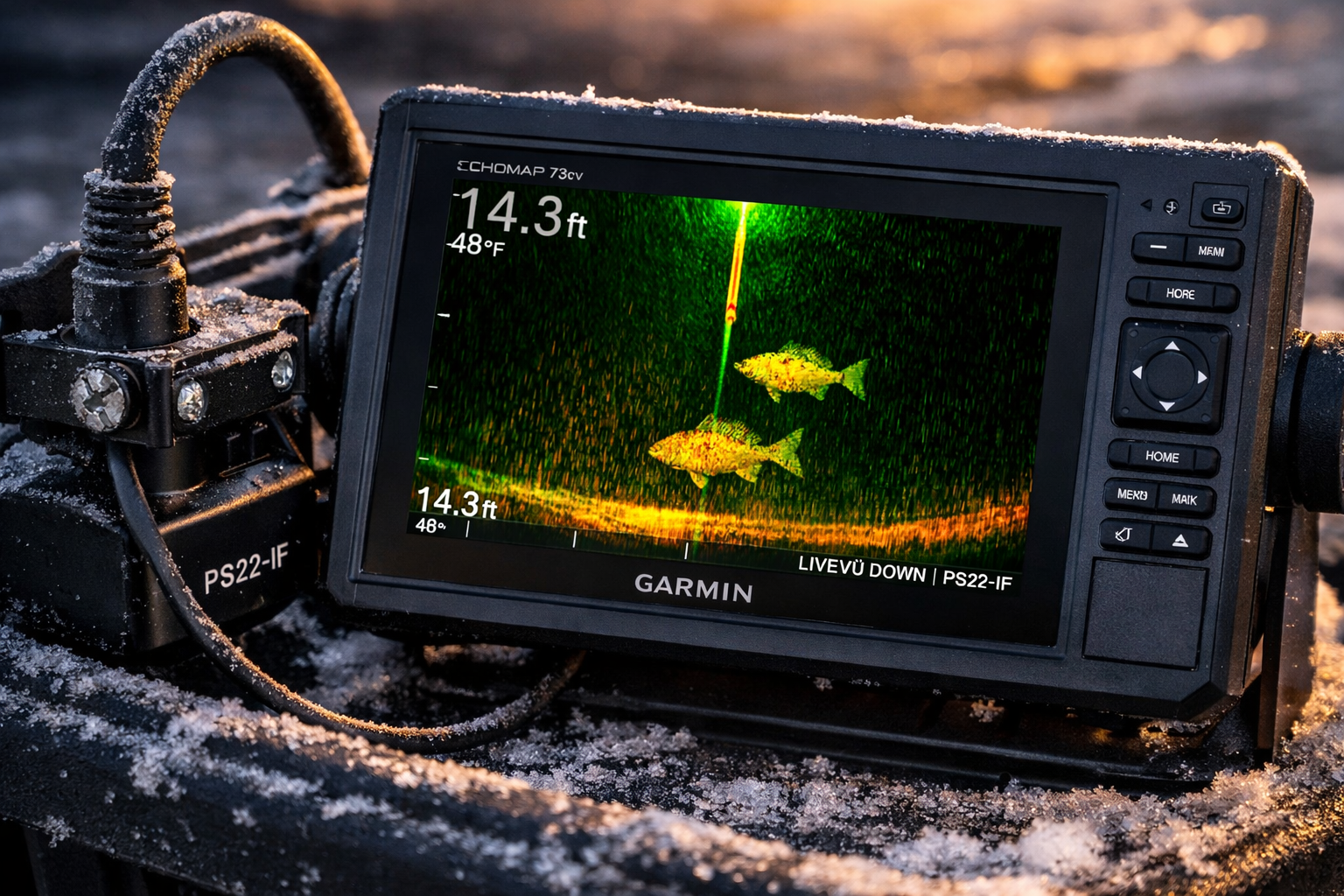
What Is the Garmin Panoptix PS22-IF and How Does It Work on the ECHOMAP 73cv?
The PS22-IF is a portable, pole-free live sonar transducer built for ice fishing. It drops directly into your hole via a bracket system and connects to the ECHOMAP 73cv to deliver real-time sonar imagery, not traditional ping-based returns.
The ECHOMAP 73cv supports the full Panoptix PS22 feature set, including both LiveVü Forward and LiveVü Down modes [4]. The unit comes preloaded with LakeVü g3 mapping, so you see your sonar data layered over accurate lake contours. That combination lets you watch a walleye school on Forward mode while simultaneously knowing you're sitting on a 22-foot transition flat adjacent to a weed edge.
Garmin Vice President of Global Consumer Sales Dan Bartel described the design goal clearly: “Efficiently locating fish is key to a good day on the ice… the PS22-IF delivers a pole-free live sonar solution for hole hopping”. That philosophy shapes how you use this system. It's built for movement, not for sitting in one spot.
The PS22-IF replaced the older PS22-TR model. The key improvement: faster mode switching without a pole mount, which cuts setup time between holes during mid-winter mobility sessions.
For a full breakdown of how this bundle compares to other Garmin ice setups, see the definitive Garmin ECHOMAP CHIRP 73cv Panoptix Ice Bundle guide.
How Do Forward Mode and Down Mode Differ on the PS22-IF?
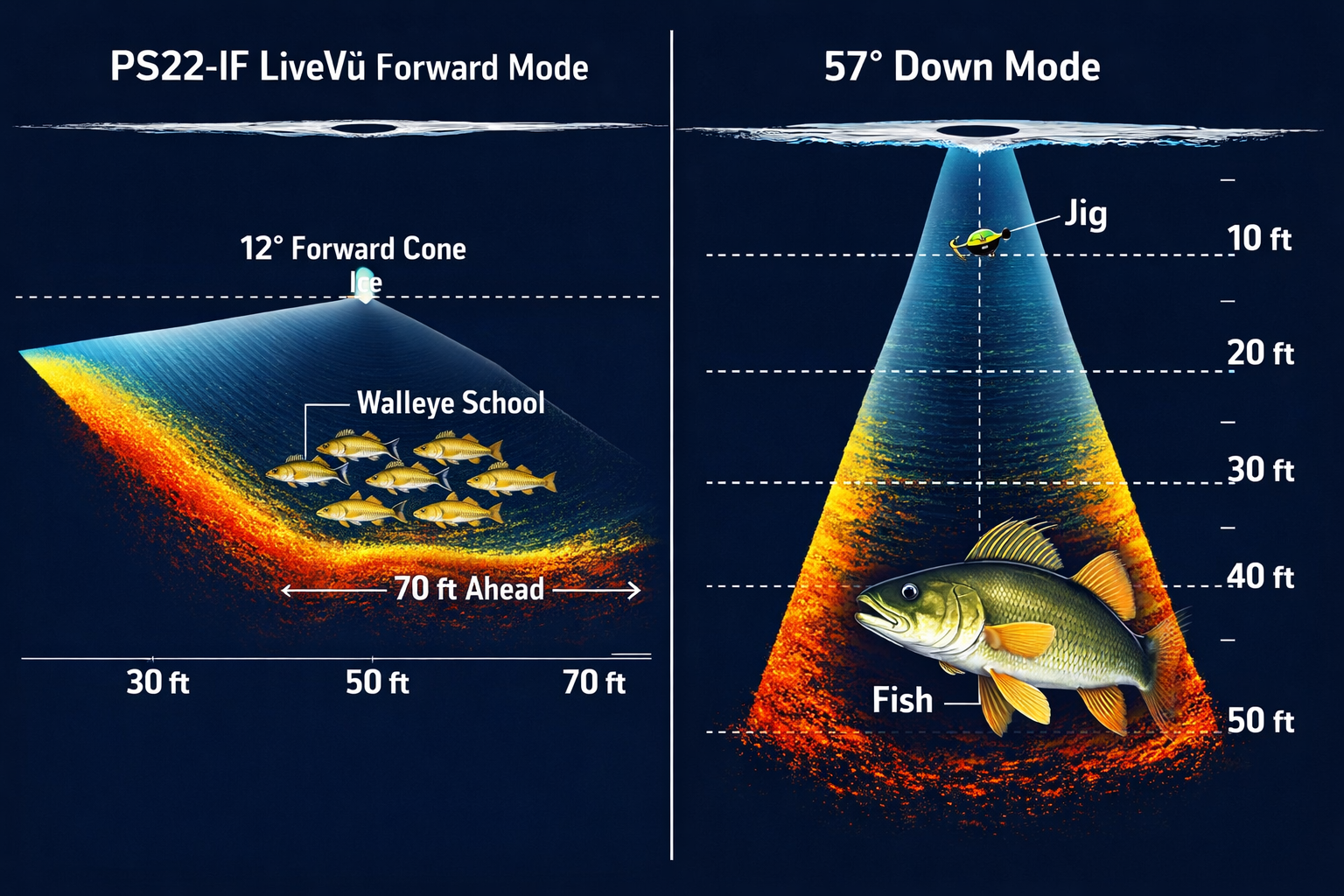
Forward mode and Down mode serve completely different purposes. Forward scans horizontally through the water column ahead of your hole. Down scans vertically below it.
Here's the technical breakdown:
| Feature | LiveVü Forward | LiveVü Down |
|---|---|---|
| Lens | Installed (12° cone) | Removed (57° cone) |
| Detection range | Up to 100 ft ahead | Directly below hole |
| Best use | Scouting fish schools | Tracking jig and fish reaction |
| Coverage area | ~150 ft diameter scan | Wide vertical cone |
| Mode switch time | Under 60 seconds | Under 60 seconds |
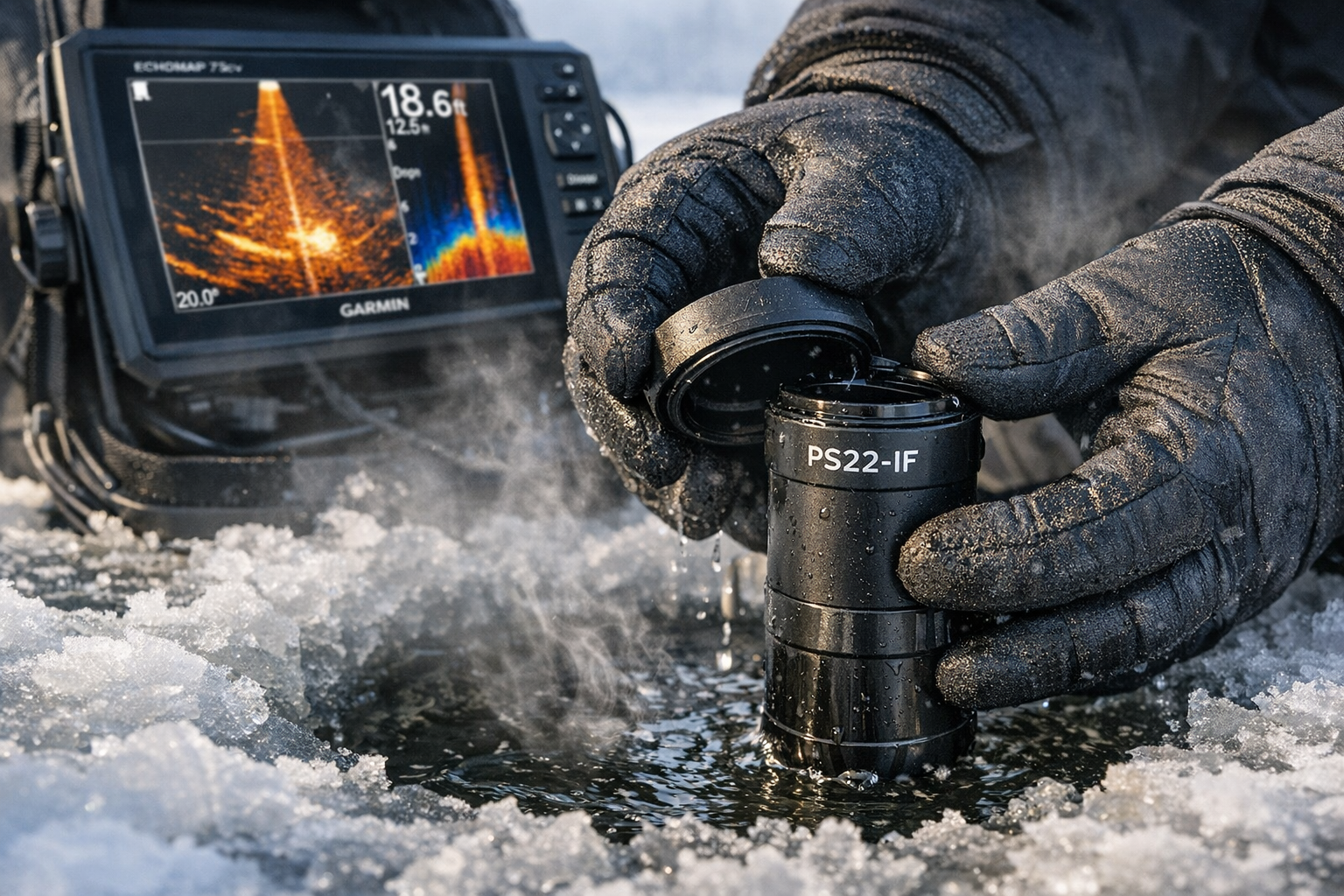
The lens is the key. Install it for Forward mode. Remove it for Down mode. That's the entire mechanical switch.
Forward mode shows you fish as they move through the water column at distance. You see the school's depth, direction, and density before you commit to drilling. Down mode shows you your jig's exact position, how fish approach it, and whether they eat or turn away.
Angler Kyle Peterson of Wired2fish describes Forward mode as “search and destroy,” used to locate fish up to 100 feet away, then switching to Down for monitoring jig response. That two-step process is the foundation of mid-winter walleye tactics on this system.
For more on reading Forward mode fish migrations before drilling, see mastering LiveVü Forward on Garmin Panoptix.
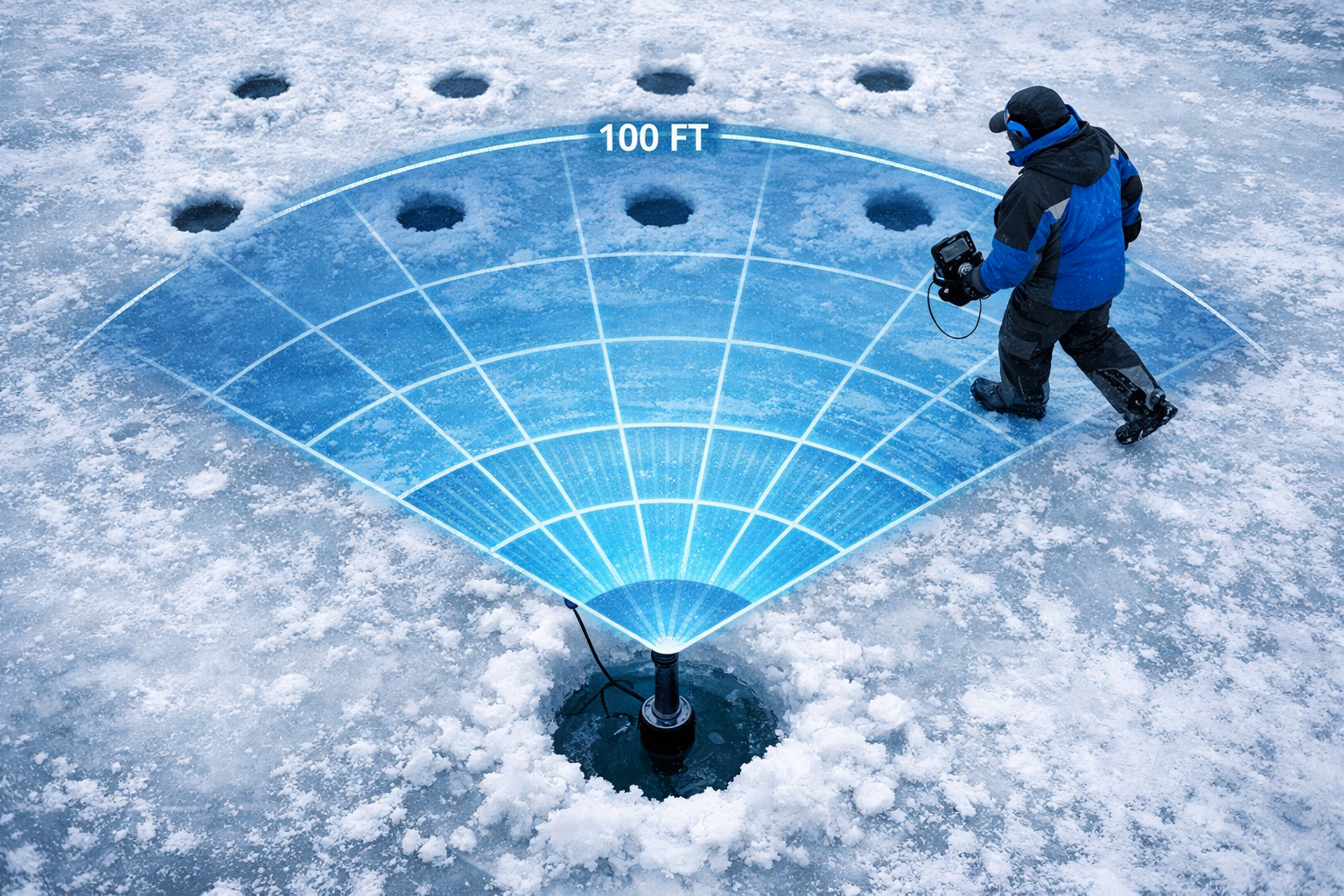
When Should You Use Forward Mode for Locating Mid-Winter Walleye Schools?
Use Forward mode when you're mobile and need to confirm fish before drilling. Mid-winter walleye schools don't sit in one place. They cruise weed edges, patrol transition flats, and stack on hard-bottom structure. Forward mode lets you see them without committing a hole.
Scenarios where Forward mode wins:
- Scanning a long weed edge from a single hole before deciding where to drill next
- Confirming fish depth and school size on a transition flat at 18 to 28 feet
- Watching a school approach from 70 feet out so you can time your presentation drop
- Checking whether fish are actively moving or suspended and neutral before wasting a drill
Drop the transducer into an existing hole. Orient the bracket so the lens faces the direction you want to scan. Watch the ECHOMAP 73cv screen. Walleye schools appear as dense, horizontal clusters moving through the water column. If they're 60 feet out and moving toward you, get your rod ready. If they're 90 feet out and moving away, pull the transducer and reposition.
Forward mode covers roughly a 150-foot diameter search area per hole. That's significant coverage on open flats. You're effectively scouting without drilling, which saves time and preserves ice quality in your fishing zone.
Pair this tactic with solid early-season location knowledge. If you need to build that foundation first, the tip-up setups for first ice walleye guide covers how to identify walleye holding areas before mid-winter patterns lock in.
When Should You Switch to Down Mode for Jigging Walleye?
Switch to Down mode the moment you've confirmed fish below or very near your hole. Down mode is your precision tool. It shows your jig's exact depth, speed, and action alongside fish position in real time.
Down mode gives you:
- A 57° wide cone that covers multiple holes if you're fishing with a partner
- Real-time jig tracking so you know exactly where your lure sits relative to suspended walleye
- Fish reaction data, you see whether a walleye rises to investigate, follows, or ignores your presentation
- The ability to adjust cadence, depth, and lure size based on what you watch on screen
Remove the lens from the PS22-IF to activate the 57° cone. Drop the transducer into your hole. The ECHOMAP 73cv screen shows the vertical water column with your jig and any fish present. If a walleye rises three feet and stops, slow your cadence. If it charges and turns away, drop your lure size or switch colors.
The 57° Down cone is also wide enough to cover two or three holes drilled close together. That's a tactical advantage for two-person setups where one angler watches the screen while the other works the rod.
Bassmaster reviewer David A. Brown specifically praised the PS22-IF's rotator and bracket for making this mode switch fast and reliable during active fishing sessions.
How Do You Set Up the ECHOMAP 73cv Screen for Each Mode?
The ECHOMAP 73cv screen setup matters. A poorly configured display slows your read time and costs you fish.
For Forward mode:
- Set the range to match your expected fish distance. Start at 80 feet and adjust.
- Increase the gain slightly if fish returns appear faint at distance.
- Use the split-screen view to show LiveVü Forward alongside the LakeVü map. You see fish position and bottom structure simultaneously.
- Set color palette to a high-contrast option. The default works well in low-light conditions inside a shelter.
For Down mode:
- Set the depth range to 5 to 10 feet below the bottom. This keeps your jig visible throughout the water column.
- Reduce the scroll speed so fish returns stay on screen longer. This helps you read approach behavior.
- Use the full-screen Down view during active jigging. The larger display makes jig and fish detail easier to read.
- Adjust sensitivity based on water clarity. Cleaner water in mid-winter often allows lower gain settings without losing fish returns.
The ECHOMAP 73cv's 7-inch display gives you enough screen real estate to run split views without losing detail. Use the map on one side during Forward mode scouting. Drop to full sonar during Down mode jigging.
What Are the Best Mid-Winter Walleye Locations to Target with This System?
Mid-winter walleye follow food and comfort. They're not random. The PS22-IF and ECHOMAP 73cv combination helps you confirm location fast, but you need to start in the right area.
High-percentage mid-winter walleye locations:
- Weed edges at 15 to 25 feet, where dying vegetation still holds baitfish
- Hard-bottom transition zones where sand meets mud on main-lake flats
- Points and humps adjacent to deep basins, walleye use these as staging areas
- River channel edges in flowages and connected lakes
- Suspended schools over open basin water, often at mid-depth in the water column
Use the LakeVü g3 maps on the ECHOMAP 73cv to identify these features before you leave the truck. Mark potential spots, then use Forward mode to confirm fish presence when you arrive. This workflow cuts dead time on the ice significantly.
For detailed jigging and deadsticking tactics once you've located fish, the walleye jigging and deadsticking tactics guide covers presentation sequences that produce through late winter.
Kayak. Drill. Catch. Repeat.
How Does the PS22-IF Compare to Alternatives for Walleye Ice Fishing?
The PS22-IF's closest competitor in the live sonar ice fishing category is the Lowrance Eagle Eye 9. Both deliver forward-facing live sonar, but they serve different anglers.
| Feature | Garmin PS22-IF | Lowrance Eagle Eye 9 |
|---|---|---|
| Forward range | Up to 100 ft | Comparable forward imaging |
| Down mode | 57° cone (lens off) | Less effective vertically |
| Mode switch | Lens swap, under 60 sec | Different mechanism |
| Price | $1,249.99 (standalone) | Sub-$1,000 |
| Pole required | No | Setup varies |
| Hole-hopping design | Optimized | Less optimized |
The Eagle Eye 9 costs less and delivers solid forward imaging for solo anglers. But it doesn't match the PS22-IF's quick lens swap for transitioning between 12° Forward and 57° Down modes. For hole-hopping walleye anglers who need both search and precision fishing capability, the PS22-IF wins on versatility.
Choose the Eagle Eye 9 if you primarily fish solo from a fixed position and forward-facing distance is your only priority. Choose the PS22-IF if you move frequently, fish with a partner, and need reliable Down mode performance for jig tracking.
For a direct head-to-head on the Garmin bundle options themselves, see Panoptix PS22-IF vs ECHOMAP 73cv: which Garmin ice bundle dominates for mobile walleye hunters.
Common Mistakes When Using Forward and Down Mode for Walleye
Avoid these errors. They're the most frequent problems anglers run into when learning this system.
Staying in Forward mode too long. Forward mode is for scouting. Once fish are directly below or within 20 feet of your hole, switch to Down. Forward mode at close range gives you a compressed, harder-to-read image.
Incorrect transducer orientation in Forward mode. The lens must face the direction you're scanning. If you drop the transducer without checking bracket orientation, you're scanning the wrong direction and missing fish.
Running gain too high in Down mode. High gain in clear mid-winter water creates clutter on screen. Lower it until your jig shows clean and fish returns are distinct.
Not using the map split-screen during Forward mode scouting. Watching fish at 80 feet without knowing the bottom depth and structure context means you're missing half the information. Run the split view.
Drilling holes too close together before scouting. Use Forward mode from your first hole to identify the best second and third drill locations. Drilling randomly and then scouting wastes time and disrupts fish.
For help selecting the right auger for mobile mid-winter drilling, the electric vs gas ice auger pros and cons guide covers the tradeoffs clearly.
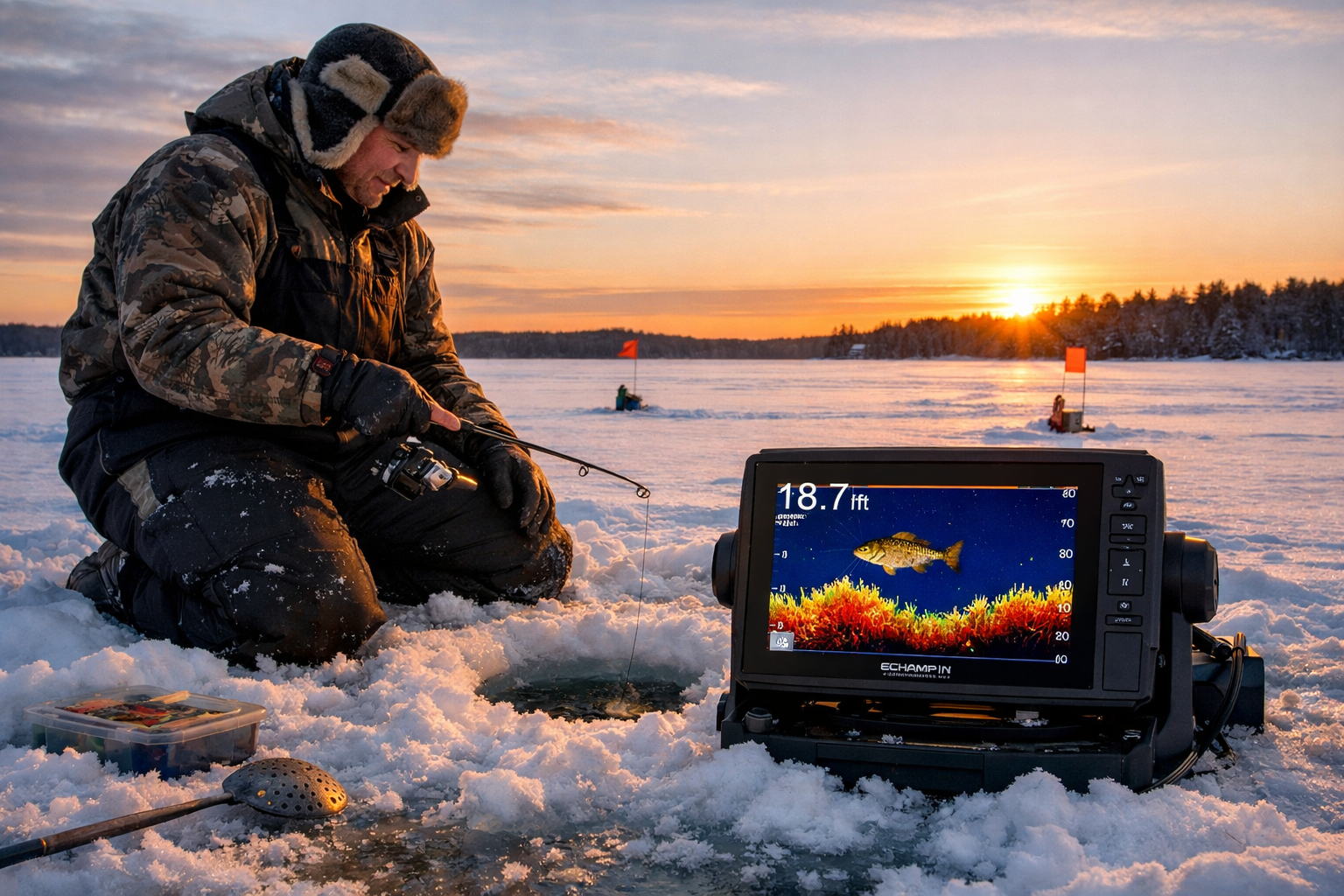
FAQ: Mastering Panoptix PS22-IF on ECHOMAP 73cv for Mid-Winter Walleye
Q: Does the PS22-IF work with the ECHOMAP 73cv specifically? A: Yes. The ECHOMAP 73cv supports the Panoptix PS22 transducer family, including LiveVü Forward and Down modes.
Q: How far can Forward mode detect walleye schools? A: Up to 100 feet ahead, covering an estimated 150-foot diameter scan area per hole.
Q: How long does it take to switch between Forward and Down mode? A: Under 60 seconds. You install or remove the lens and reposition the transducer in the hole.
Q: What depth range works best for mid-winter walleye with Down mode? A: Set your range 5 to 10 feet below the bottom. Most mid-winter walleye hold between 15 and 30 feet, so a 35-foot range setting covers the column cleanly.
Q: Is the PS22-IF worth the price over cheaper alternatives? A: For mobile hole-hopping anglers who need both search and precision jigging capability, yes. The lens swap system for dual-mode use is the key differentiator.
Q: Can two anglers fish over the same hole using Down mode? A: The 57° Down cone is wide enough to cover multiple close-drilled holes, making it practical for two-person setups.
Q: Do I need the full bundle or just the standalone transducer? A: If you already own an ECHOMAP 73cv, the $1,249.99 standalone kit is sufficient. The $1,999.99 bundle includes the chartplotter.
Q: What's the biggest mistake beginners make with Forward mode? A: Not orienting the transducer bracket correctly. The lens must face the direction you're scanning, or you're reading the wrong section of water.
Q: How does LakeVü g3 mapping improve walleye location? A: It shows bottom contours, depth transitions, and structure features so you know where to scan with Forward mode before you drill your first hole.
Q: Does Forward mode work in shallow water for walleye? A: Forward mode performs best in 12 feet or deeper. In very shallow water, the horizontal scan angle compresses and reduces fish separation on screen.
Conclusion
Mastering Panoptix PS22-IF on ECHOMAP 73cv: Down vs Forward Mode for Locating Mid-Winter Walleye Schools is a two-step process. Scout with Forward mode. Fish with Down mode. That sequence, combined with the ECHOMAP 73cv's mapping and display tools, gives you a systematic approach to finding and catching walleye when they're at their most location-dependent.
Start each session by identifying high-percentage structure on the LakeVü g3 map. Drop into Forward mode to confirm fish presence before drilling. Switch to Down mode the moment fish are below you. Watch the screen, adjust your presentation based on what you see, and let the sonar tell you when to commit.
The PS22-IF's lens swap system makes this workflow fast enough to execute repeatedly across multiple holes in a single session. That mobility is the tactical edge this system provides.
Your next steps: dial in your ECHOMAP 73cv screen settings for both modes before you hit the ice. Practice the lens swap at home so it's automatic in cold conditions. Build your starting location list from maps before you leave the truck.
See you on the water.
References
[1] Watch – https://www.youtube.com/watch?v=Ev6Q_3RKkd4
[2] 4581 Garmin Introduces Innovative Panoptix Ps22 If Ice Fishing Bundle – https://michianaoutdoorsnews.com/gear/fishing-gear/new-tackle-2025/4581-garmin-introduces-innovative-panoptix-ps22-if-ice-fishing-bundle
[3] Gear Review Garmin Panoptix Ice Fishing Bundle – https://www.bassmaster.com/gear-reviews/news/gear-review-garmin-panoptix-ice-fishing-bundle/
[4] Garmin Echomap Uhd 73cv Panoptix Ps22 Ice Fishing Bundle – https://www.wellbots.com/products/garmin-echomap-uhd-73cv-panoptix-ps22-ice-fishing-bundle
[5] Watch – https://www.youtube.com/watch?v=mcbMrRipHrc